


Maya Williams
For millions of people worldwide, vision loss can make everyday tasks more challenging. Fortunately, tech for low vision has advanced rapidly, and today’s smartphones offer a wealth of mobile apps for legally blind users.
From navigating the streets to reading a menu at a café, mobile apps for legally blind users are changing lives. But not all features are created equal. Whether you’re exploring new tech or looking to support a friend or loved one, this guide breaks down the mobile app features for low vision that actually make a difference.
We’ll explore key accessibility features for low vision, the best tech for low vision, and spotlight tools like Vision Buddy that enhance independence even further.
Legally blind doesn’t mean totally blind. In fact, most people with visual impairments retain some usable vision. The right tools can turn that remaining vision into a powerful asset. With smartphones in nearly every pocket, tech for low vision is more accessible than ever.
With the right mobile apps for legally blind users, people with low vision can:
The World Health Organization estimates that over 2.2 billion people globally have a vision impairment. That’s why developers, designers, and device makers are prioritizing mobile apps for legally blind users, and getting better at it.
Before we dive into specific apps and features, it’s important to understand what makes an app truly accessible. The best mobile experiences for low vision users share a few critical characteristics:
Whether built-in or app-specific, these features form the backbone of any mobile app features for low vision users.
Let’s explore the features that truly make a difference, especially for legally blind individuals.
These convert text on screen into speech or braille. Apple’s VoiceOver and Android’s TalkBack are popular built-ins, while third-party apps like Voice Dream Reader enhance the experience.
Best for: reading articles, using apps, social media
Voice assistants like Siri, Google Assistant, and Alexa help with everything from sending messages to turning on lights—hands-free and eyes-free.
Best for: multitasking, accessibility on-the-go
Apps with built-in pinch-to-zoom or platform-level magnifiers help enhance visibility without distortion. Tools like SuperVision+ Magnifier and Magnifying Glass + Flashlight are popular.
Best for: menus, packaging, small print
High contrast color schemes improve clarity, while dark mode reduces eye strain. The best apps let users switch modes quickly.
Best for: reading, UI clarity, eye comfort
Apps like Seeing AI and Be My Eyes use AI and crowd-sourced help to describe surroundings. You can get help identifying currency, reading text, or recognizing people.
Best for: independent navigation, object ID
Apps like KNFB Reader and Voice Dream Scanner allow users to scan documents or labels and have them read aloud using OCR (Optical Character Recognition).
Best for: reading printed documents, mail, instructions
Apps like Lazarillo and RightHear provide auditory directions and landmark alerts for indoor and outdoor spaces.
Best for: public transport, finding stores or exits
AI now supports features like facial recognition, product detection, and scene interpretation. This makes real-world navigation much easier.
Best for: identifying faces, home independence, shopping
Features like cloud backup and user profiles allow accessibility settings to follow users across devices. This is helpful for users who rely on specific text sizes, layouts, or voices.
Best for: consistent experience across devices
Some apps include SOS functionality, location sharing, and quick contacts in case of an emergency. Features like Voice Panic Button or built-in medical ID cards are also life-saving.
Best for: safety, travel, medical needs
Let’s plug in a few app recommendations that support these features, perfect for future affiliate partnerships or reviews.
App Name | Features Highlights | Platform |
Seeing AI | Scene description, text reading, currency ID | iOS |
Be My Eyes | Volunteer-based video help | iOS, Android |
Voice Dream | High-quality text-to-speech | iOS, Android |
Envision AI | Text and object recognition, real-time assistance | iOS, Android |
Lazarillo | GPS audio navigation | iOS, Android |
Lookout by Google | Object detection, label scanning | Android |
SuperVision+ | Digital magnifier with freeze frame and flashlight | iOS |
You can use these names as soft plug points or offer a download link (affiliate) to monetize traffic.
The right tech for low vision can be life-changing. Here’s how mobile apps for legally blind users foster independence:
By leveraging mobile app features for low vision, users can perform everyday tasks with greater confidence and autonomy.
When exploring tech for low vision, consider these tips to find the best mobile apps for legally blind users:
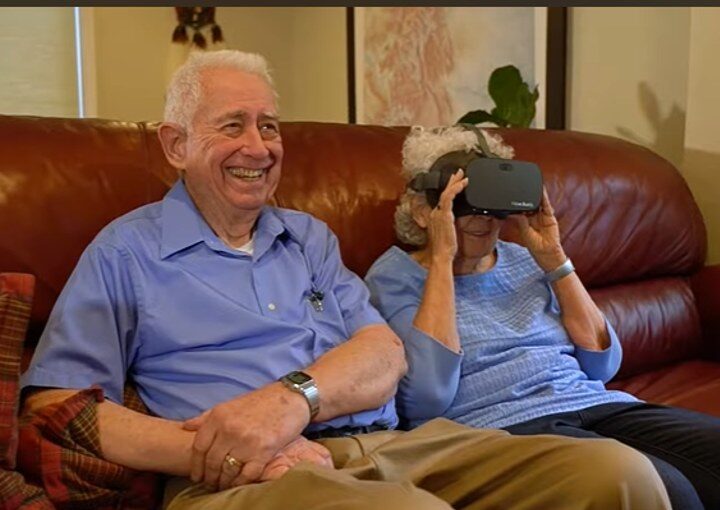
Now here’s the secret sauce, Vision Buddy doesn’t compete with mobile apps, it enhances them.
Here’s how:
While mobile apps for legally blind users are powerful, pairing them with Vision Buddy takes independence to the next level.
Whether you’re looking for tools to read labels, navigate streets, or watch your favorite shows, the right tech can make it all possible. Thanks to the growing field of mobile app features for low vision, daily independence is no longer out of reach.
From text-to-speech apps to AI scene detectors, the world of tech for low vision is booming. And when paired with smart wearables like Vision Buddy, your phone becomes more than a communication tool, it becomes a gateway to independence.
If you’re exploring solutions for yourself or a loved one, start with the apps above—and consider how tools like Vision Buddy can make each experience even smoother, clearer, and more empowering.
Explore Vision Buddy Today
Experience the world in a whole new way. Try Vision Buddy, designed for the legally blind, optimized for real life.
This article is for educational purposes only. Always consult an accessibility specialist or low-vision therapist for personal recommendations.
Adding {{itemName}} to cart
Added {{itemName}} to cart