


Summary
The Vision Buddy Mini has become one of the most searched and discussed low vision devices in 2026, particularly after video reviews from channels serving the low vision and blind community started circulating widely.
Content creators who live with visual impairment, like those from the growing Blind Life community, bring a perspective to device reviews that no marketing brochure can replicate.
They test devices in real homes, with real vision loss, doing the real daily tasks that actually matter.
This blog provides a comprehensive written review that captures and expands on the themes emerging from those video reviews, giving anyone researching the Vision Buddy Mini a full picture of what the device does, where it excels, and who it is best suited for.
Who Is Blind Life and Why This Review Matters
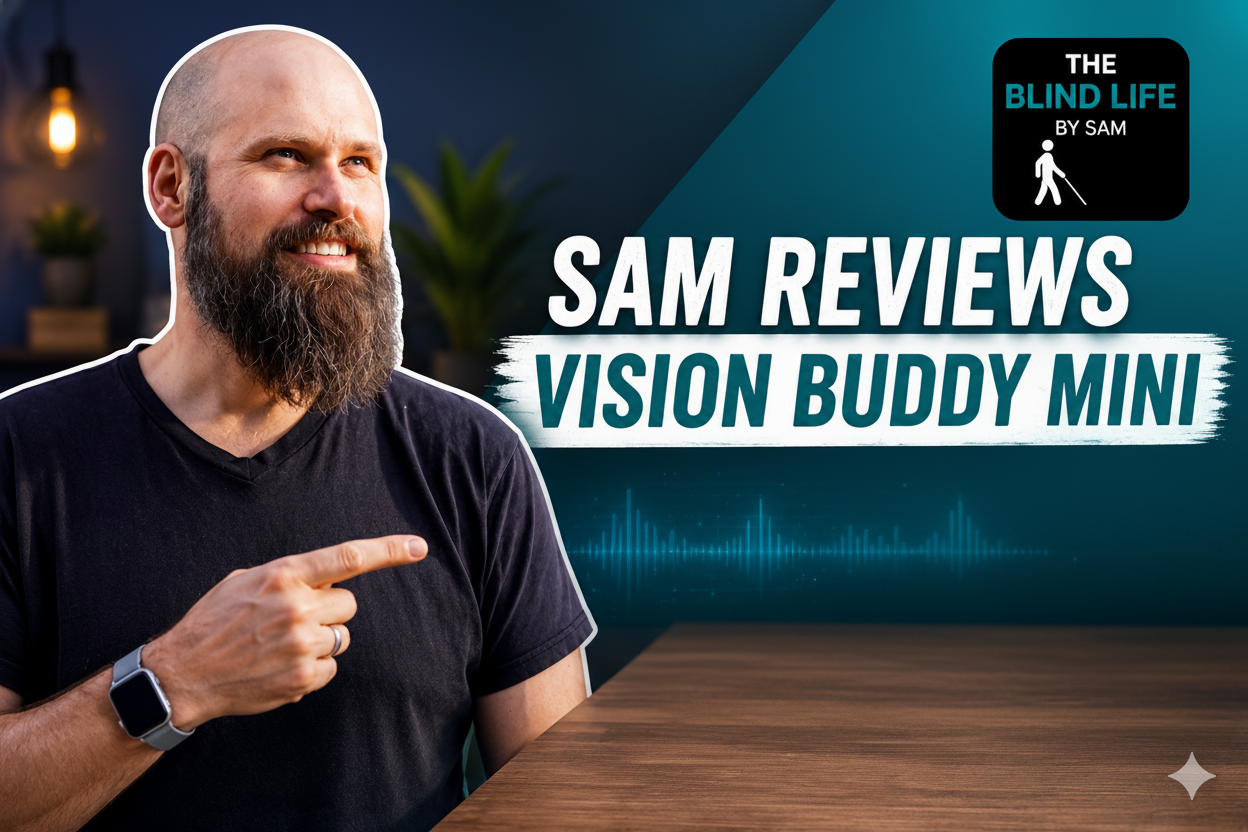
The Blind Life is part of a growing ecosystem led by Sam Seavey who documents his experiences with low vision and blindness authentically and in real time.
Not a professional tech reviewer with ideal lighting setups and scripted talking points.
This kind of review carries weight that manufacturer descriptions simply cannot.
When someone living with macular degeneration says that a device changed how they watch television, that testimony lands differently than a bullet point in a spec sheet.
When a reviewer with legal blindness shows the unboxing and setup process on camera, potential buyers understand what the actual experience of getting started looks like.
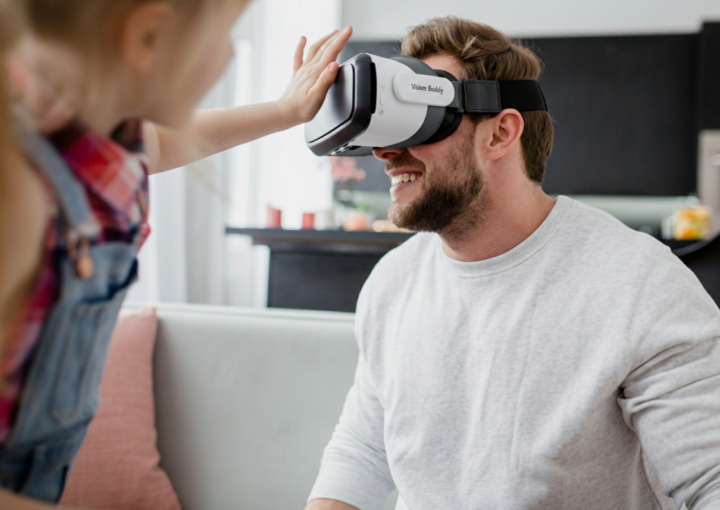
The Vision Buddy Mini has attracted significant attention from this community for a specific reason: at 0.12 pounds, it is dramatically lighter than competing wearable low vision devices, and several reviewers have noted that the weight alone changes the practical calculation around whether a low vision aid is something you actually wear versus something that sits in a drawer.
First Impressions: Unboxing the Vision Buddy Mini
What striked Sam first about the Vision Buddy Mini is the size of the box.
After years of reviewing and using low vision aids that arrive in large, equipment-style packaging, the compact form factor of the VB Mini box is immediately distinctive.
The unboxing reveals the headset itself, the TV Hub, connecting cables, the CCTV Mini camera for desktop reading, a carrying case, and documentation.
The documentation is notably accessible, with clear, larger-format instructions rather than the dense fine-print manuals that often accompany assistive technology.
The headset is visually understated compared to more conspicuous devices in the category.
It does not look like medical equipment.
That matters to many users, particularly those who are still adjusting to the identity shift that comes with using visible assistive technology.
The weight is the first thing most reviewers comment on when they hold the device.
At 0.12 pounds, it is lighter than most smartphones.
For people who have tried other head-mounted low vision devices and found the weight fatiguing after short periods, this is a significant functional advantage.
Design, Weight, and Wearability
The Vision Buddy Mini’s design reflects a specific prioritization: wearability above all else.
This creates certain trade-offs, but for users who have found heavier devices impractical for daily use, those trade-offs often favor the Mini.
The headset sits relatively close to the face and can be adjusted for different head sizes and face shapes.
Reviewers generally find it comfortable for the core viewing sessions the device is designed for: watching television, reading at a desk, and performing close-up daily tasks.
The 2.5-hour battery life in standard configuration is the most commonly mentioned limitation by Sam, ideal for people who watch television for extended periods.
The external battery option extends use to 8 hours, which resolves this limitation but adds some weight.
Most reviewers recommend the external battery for TV watching sessions.
People with glasses consistently raise the question of how devices like this interact with their existing eyewear.
The VB Mini includes adjustable diopter settings up to 2 diopters for each eye independently, which means many users do not need to wear their glasses underneath the headset.
This is a practical design consideration that Sam appreciated.
The 98-degree field of view (for VB 4 Max; VB Mini specifications should be confirmed with Vision Buddy directly for the Mini’s specific field) is noted as providing a wide enough viewing angle to feel relatively natural rather than tunnel-like.
For users with conditions that already narrow their natural visual field, this matters significantly.
Setup and Getting Started
One of the most consistent themes in Blind Life-style reviews of assistive technology is how difficult or easy the setup process actually is.
This matters enormously for the target audience, many of whom are older adults or people less comfortable with technology who are already managing the cognitive load of vision loss.
Vision Buddy’s setup process is designed around the no-training-required principle.
Sam consistently describes the TV Hub setup as straightforward: connect to the cable box or streaming device via HDMI, follow the simple pairing process with the headset, and the TV feed appears.
Those who are less tech-savvy describe needing 15 to 30 minutes and, in some cases, a call to Vision Buddy’s customer support, which is consistently described as helpful and patient.
The fact that Vision Buddy includes setup assistance as part of its customer support offering is noted positively by reviewers.
For people who have purchased expensive assistive technology in the past and been left without adequate support, having a human available to walk through setup is meaningfully reassuring.
TV Watching: The Big Test
Every review of the Vision Buddy Mini that targets the low vision audience centers significantly on TV watching performance, and for good reason.
This is the use case that Vision Buddy has specifically and uniquely addressed with its TV Hub system. No other wearable low vision device takes the same approach.
The practical experience, as described by Sam who tested this, is of receiving a magnified, contrast-enhanced version of their TV programming directly to the headset display.
Users sit wherever is comfortable in the room, put on the headset, and watch television with the image delivered to their eyes rather than across a room.
Reviewers with macular degeneration describe this as the most significant functional change the device creates.
Being able to follow a show, see the characters’ expressions, read on-screen text and captions, and follow sports action without sitting uncomfortably close or asking a family member for help is described in genuinely emotional terms.
The common technical question, about whether there is a noticeable delay between audio and video that would create lip-sync issues, is addressed in multiple reviews.
The general consensus is that the latency is low enough not to be distracting during normal viewing.
This reflects deliberate engineering in the TV Hub system, which is designed specifically to minimize the latency that makes some wireless video systems feel disconnected.
Channel changing, adjusting volume, and navigating streaming menus all still happen through normal remote controls or voice commands to streaming devices.
The Vision Buddy headset receives and displays the TV signal.
It does not replace the remote control interaction.
Sam notes this as a design choice that keeps the system simple and does not require learning new interface paradigms.
Reading Performance
Reading performance is the second major test category in Blind Life-style reviews.
The CCTV Mini desktop camera provides the reading capability, positioned over a surface to capture a real-time magnified image of whatever is placed below it.
Reviewers consistently describe improved reading performance for printed material at the desk.
Books, mail, financial documents, and medication bottles are the most commonly cited reading tasks tested.
The combination of magnification and contrast enhancement makes text clearer than optical magnifiers alone.
The reading experience through the headset is different from reading through a traditional desktop CCTV.
Rather than looking up at a large external monitor, the reading view is presented within the headset display.
Sam finds this more comfortable and more immersive; others note an adjustment period to the viewing angle.
Most describe adapting within a few sessions.
Medication label reading is mentioned repeatedly by Sam as one of the most practically meaningful capabilities.
The ability to independently check what a medication is and verify the dosage is a basic safety and autonomy issue that resonates strongly with the older adult demographic that makes up a large portion of Vision Buddy’s users.
Handwritten text is handled adequately for most standard handwriting, though highly irregular or very light handwriting remains challenging.
This is consistent with the general limitation of all current AI reading devices and not specific to Vision Buddy.
Everyday Tasks and Magnification
Beyond the dedicated TV and reading modes, Sam test the Vision Buddy Mini as a general magnification tool for everyday tasks.
The Sony AI camera provides real-time magnified view of whatever the user is looking at, adjustable up to 10x zoom.
Common everyday task tests in reviews include reading thermostats and appliance controls, checking food packaging and labels in the kitchen, identifying items in the refrigerator, and looking at photos.
Sam finds the device helpful across these scenarios, noting that the AI camera adapts its focus automatically to different distances without requiring manual adjustment.
The distance viewing capability is noted by Sam who tests it by viewing items on shelves.
Up to 10x zoom provides meaningful distance magnification for tasks like reading a menu board across a restaurant or identifying a person at the other end of a hallway.
Computer and Screen Use
Computer Link functionality allows the VB Mini to display a computer or tablet screen through the headset.
Reviewers who test this use case describe it as genuinely useful for email, web browsing, and document review.
The primary advantage over built-in screen magnification software is that Vision Buddy’s display provides a consistent viewing experience without requiring frequent adjustment of the device relative to the screen.
The magnified image is delivered to the headset rather than requiring the user to position their face close to a monitor.
Video calls are noted by several reviewers as a particularly meaningful use case.
Being able to see family members’ faces clearly during a FaceTime or Zoom call is described as one of the most emotionally significant capabilities the device provides.
This is consistent with the broader theme in low vision technology reviews that social connection is as important as practical task completion.
Who the Vision Buddy Mini Is Really For
Based on both what Sam explicitly says and what emerges from watching how they engage with the device, the Vision Buddy Mini is most clearly the right fit for a specific profile of user.
It is ideal for people whose primary visual challenges center on home-based activities: watching television, reading, managing daily household tasks, and using a computer.
If the majority of your daily life happens indoors and the activities you most want to recover visual independence for are TV watching, reading, and daily task management, the VB Mini addresses your needs directly.
It is ideal for people who have found heavier devices impractical.
The 0.12-pound weight is a genuine differentiator. If you have tried a heavier head-mounted device and abandoned it because of discomfort, the VB Mini may resolve that barrier.
It is well-suited for older adults managing significant low vision conditions, particularly macular degeneration, who want a device with a low learning curve and a straightforward setup that does not require technical expertise.
It is less suited for users whose primary needs are outdoor navigation, highly mobile use across varied environments, or advanced AI features like real-time scene description and environmental awareness.
Those use cases favor different devices in the category.
Honest Pros and Cons
Strengths the Reviews Highlight Ultra-lightweight at 0.12 pounds, dramatically more comfortable for extended wear than most competitors Dedicated TV Hub system is uniquely capable for independent television watching Setup is genuinely accessible with patient customer support available CCTV Mini provides strong desktop reading performance Optometrist-developed app allows meaningful personalization Clinical validation through major institutions provides credibility 14-day home trial reduces purchase risk Emotionally significant for users who recover meaningful independence Limitations Reviewers Note Standard battery provides approximately 2.5 hours (extended battery option resolves this) Some adjustment period needed for headset-based reading versus traditional magnifier use Less vibrant colors shown in some use cases |
Final Verdict
The Blind Life community’s engagement with the Vision Buddy Mini reveals a device that genuinely delivers on its core promises for the right user.
The weight advantage is real and meaningful.
The TV Hub system is genuinely unique in the category.
The reading capability through the CCTV Mini is strong.
The no-training-required design is honest. The customer support is responsive.
For people with macular degeneration, glaucoma, diabetic retinopathy, optic atrophy, or genetic conditions like retinitis pigmentosa or Stargardt disease who primarily want to recover visual independence at home, the Vision Buddy Mini is one of the most compelling options in 2026.
The most honest summary from the Blind Life review perspective is this: it is not a magic device. It does not restore vision.
But for the specific daily activities that matter most to people with low vision, particularly watching TV and reading, it does what it promises to do, and that turns out to matter a great deal to the people whose lives it touches.
To watch the complete review please click below:
Vision Buddy Mini Review: Smaller And Smarter, But Is It Better?