


Summary
October is National Disability Employment Awareness Month, and this year’s theme, “Celebrating Value and Talent,” is a good frame for a simple truth: people with low vision work, build careers, and lead teams every day.
What often makes the difference is not the vision loss itself but whether the workspace is set up to work with the vision a person has.
This guide covers practical workplace accommodations, how to ask for them, and where assistive technology fits.
What Low Vision Looks Like at Work
Low vision means vision that cannot be fully corrected with glasses, medication, or surgery but leaves some usable sight.
It is not the same as total blindness, and it varies a great deal.
One person may struggle with glare and fine print, another with a blind spot in the center of their vision, another with a narrowed field that makes crowded hallways hard.
That variety is why one-size-fits-all solutions rarely work.
The Job Accommodation Network (JAN), a free service of the U.S. Department of Labor’s Office of Disability Employment Policy, notes that many people with low vision need few or no accommodations, and others benefit from a handful of inexpensive changes.
The right answer depends on the person, the job tasks, and the workplace.
Related reading: Understanding Low Vision and Its Impact (/understanding-low-vision-and-its-impact/)
Your Rights Under the ADA
The Americans with Disabilities Act (ADA) generally requires employers with 15 or more employees to provide reasonable accommodation to qualified employees with disabilities, unless doing so would cause undue hardship.
The ADA does not list specific qualifying conditions.
A person has a disability if they have an impairment that substantially limits a major life activity, have a record of such an impairment, or are regarded as having one.
Employers are expected to work with the employee to find an effective accommodation, often called the interactive process.
This article is general information, not legal advice. For questions about your rights, the U.S. Equal Employment Opportunity Commission, JAN, or a qualified employment attorney can help.
Computer and Screen Access
JAN reports that most of its questions about low vision involve computers, which makes sense since so much work happens on a screen.
Common solutions include:
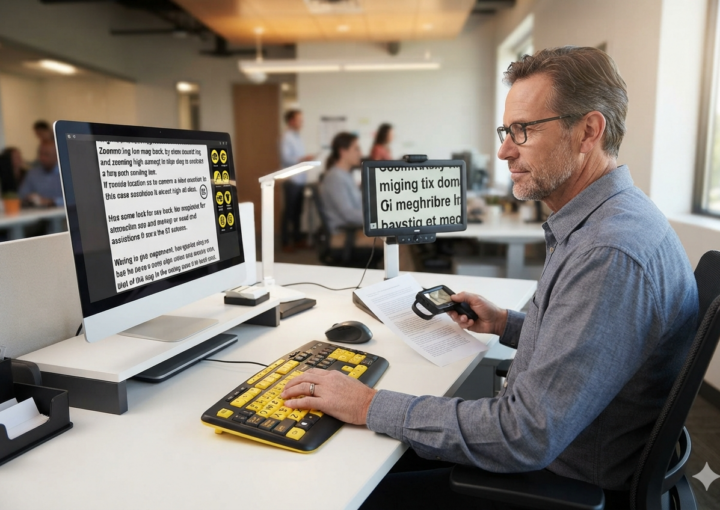
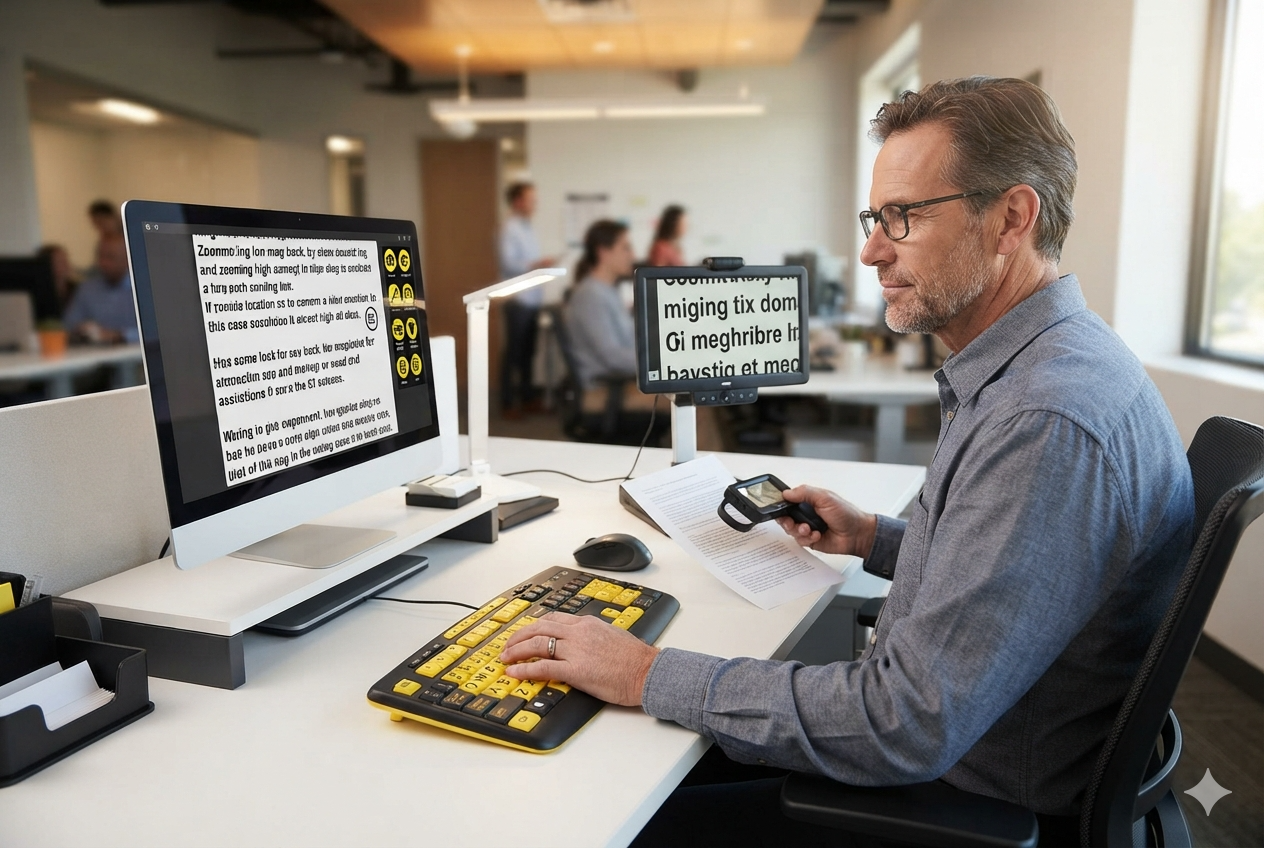
- Larger monitors, and operating system settings for larger text, cursors, and icons
- Screen magnification software and high-contrast or dark-mode display settings
- Large-print or high-contrast keyboard labels, and locator dots on keys
- Flicker-free monitors and adjustable screen brightness
- Speech-to-text dictation and screen reading software for tasks where magnification is tiring
Built-in accessibility settings on Windows, macOS, iOS, and Android are a free and underused starting point, and are worth trying before buying anything.
Lighting and Glare
Lighting can make or break a workday for someone with low vision. Too little light makes detail hard to see, and too much glare washes it out.
The right balance is personal, and sometimes opposite from one person to the next.
- Adjustable task lighting that can be aimed at the work surface
- Anti-glare screen filters and matte surfaces
- A desk position away from windows that cause glare at certain times of day
- Improved overall lighting in hallways, stairs, and shared spaces
Reading, Meetings, and Printed Material
Not everything lives on a screen. Printed documents, whiteboards, slides, and handwritten notes can all be barriers.
Practical accommodations include:
- Documents in large print or in an accessible electronic format. The American Foundation for the Blind recommends at least 16-point type, and 18-point if possible
- Handheld, stand, or electronic video magnifiers for printed material
- Slides and agendas shared ahead of meetings so they can be reviewed at a comfortable size
- Bold-tip pens and bold-line paper for handwriting
- Short rest breaks, since reading with low vision is tiring work
Related reading: How People with Low Vision Watch TV, Read, and Use Smartphones (/how-people-with-low-vision-watch-tv-read-use-smartphones/)
Getting Around and Commuting
The route to the desk matters too. Inside the building, high-contrast stair edges, clear walkways, and consistent furniture placement help.
For the trip to work, JAN notes that employers are generally not required to provide commuting transportation unless they offer it to other employees, but they should consider commute-related accommodations when a disability requires them.
Examples include a daylight-hours shift, a flexible schedule, a carpool or transit-friendly schedule, or partial telework.
How to Ask for an Accommodation
Asking can feel intimidating. A few steps make it easier:
- Start with tasks, not diagnosis. Describe what is hard (“I have trouble reading small print on shared reports”) and what would help.
- Bring options. JAN’s searchable accommodation guidance and your own eye care professional can suggest specific tools.
- Put the request in writing. An email creates a record and gives HR something concrete to act on.
- Expect a conversation. The employer may ask for documentation from your doctor and may suggest an alternative that works equally well.
- Follow up. If something is not working, say so. Needs change as vision and job duties change.
Where Assistive Technology Fits
Assistive technology is not a substitute for a well-designed workplace, but it can close the gap between what a job requires and what a person can comfortably see.
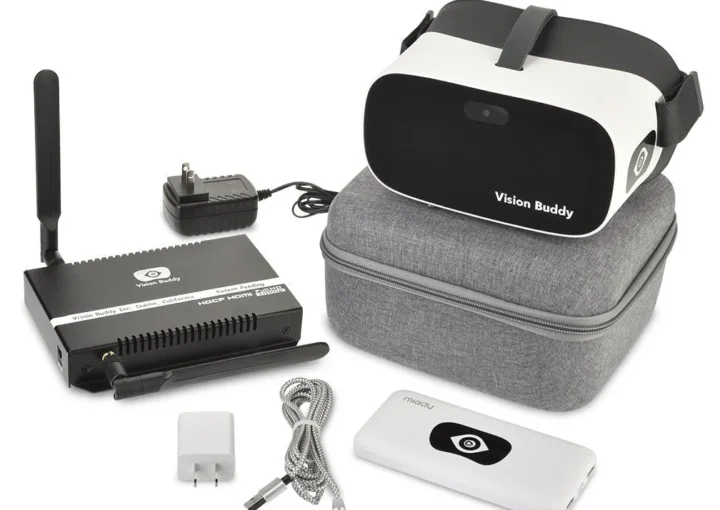
Options range from software and electronic magnifiers on the desk to wearable devices such as smart glasses, which provide real-time magnification and contrast enhancement for reading, recognizing faces, and using screens.
Whether a particular device suits a job depends on the tasks, the work environment, and employer policies, especially in roles with safety requirements.
Vision Buddy devices are one option among several worth exploring with your eye care team and your employer.
Related reading: Assistive Technology for Low Vision (/assistive-technology-for-low-vision/)
A Note for Managers and HR
If someone on your team has low vision, the most helpful thing you can do is ask what they need and listen.
Many accommodations cost little or nothing, and they benefit more than one person: better lighting, clearer documents, and shared slides in advance help everyone. JAN offers free, confidential guidance for employers.
Frequently Asked Questions
What are common accommodations for employees with low vision?
Common accommodations include larger or additional monitors, screen magnification and high-contrast settings, task lighting, anti-glare filters, large-print or accessible electronic documents, handheld or electronic magnifiers, and flexible scheduling. The right combination depends on the person and the job.
Do I have to tell my employer about my vision loss?
Generally you are not required to disclose a disability until you need an accommodation. If you request one, your employer may ask for documentation from your doctor. For questions about your specific situation, contact JAN or the EEOC.
Does the ADA cover low vision?
The ADA covers conditions that substantially limit a major life activity, and low vision may qualify depending on how it affects the person. The ADA does not have a fixed list of conditions, so each case is considered individually.
Who pays for workplace accommodations?
Employers are generally expected to cover the cost of reasonable accommodations unless that would cause undue hardship. State vocational rehabilitation agencies may also help with assistive technology.
Can smart glasses help at work?
For some people, wearable devices can help with reading, recognizing faces, and screen tasks. Suitability depends on the job and the workplace, so talk with your eye care team and employer before relying on any device.
What to Do Next
If vision changes are making your workday harder, you do not have to figure out the options alone. The Vision Buddy team can walk you through what wearable and desktop devices do and which fit your eye condition and daily tasks.
Reach the Vision Buddy team at hello@visionbuddy.com or (833) 787-2020, or send a message through the contact form on visionbuddy.com.